Powerpoint Presentation Design
I'd like to share with you about the first course I took. It was this very course that nurtured and gave me a passion for graphic design. From then on, I started learning more about graphic design.
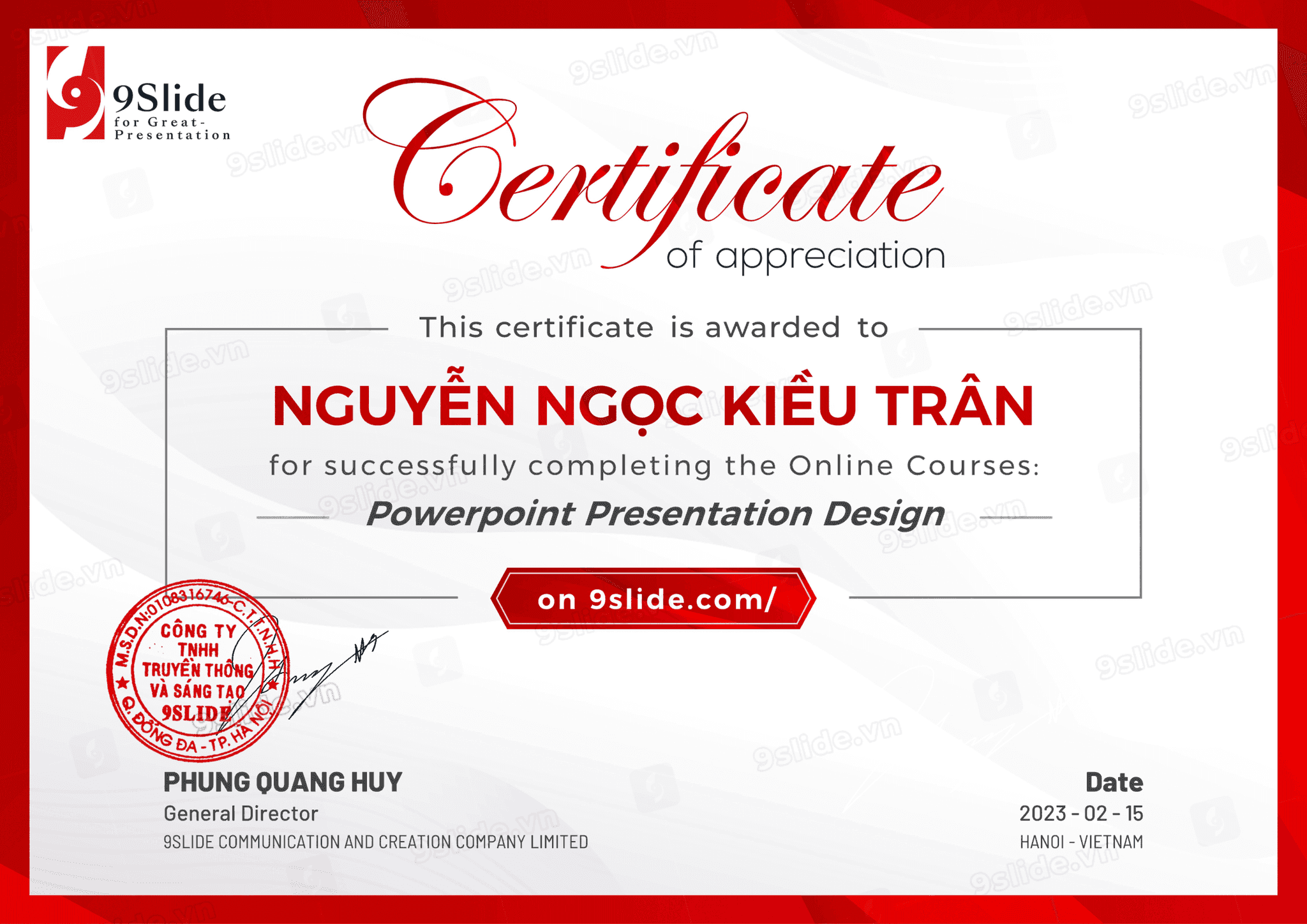
I have learned and mastered PowerPoint tools and effects from basic to advanced. Specifically, I also learned about design principles, layout, and color schemes. I learned 7 layout principles, how to harmoniously combine typography and images, as well as the principles for choosing fonts appropriate for each topic, message, and brand identity. Thanks to this foundation, building important presentations like Pitch Decks is not just about creating slides, but also about creating a polished, professional product that impresses viewers.
2. Ability to Visualize Complex Information & Data
In every presentation, the biggest challenge I face is how to make the audience understand and remember dry information. In this section, I learned how to transform dense blocks of text into modern, smart, and intuitive SmartArt diagrams. Not only that, I learned how to search for, customize, and process graphic resources like Icons and Vectors from various sources. This skill helps me create data Infographic slides that are more harmonious and visually appealing.
3. Master Advanced Motion & Tell Stories with Effects
I learned how Morph works and completely mastered the Morph effect to create smooth object movements, providing an impressive and seamless visual experience. Additionally, I learned about visual laws by using Triggers and managing complex animation sequences. Thanks to this, I can precisely control the appearance of each object, making the presentation more visually appealing, like a film.
In this module, I can not only create normal slides but also use skills in effects and Triggers to create interactive games directly on the slides, such as a wheel of fortune, knowledge quizzes, or crosswords. Most notably, I can also combine all Animation skills to create professional Motion Graphics slides. I can completely transform PowerPoint into a tool for producing Marketing Videos and Elearning course videos.